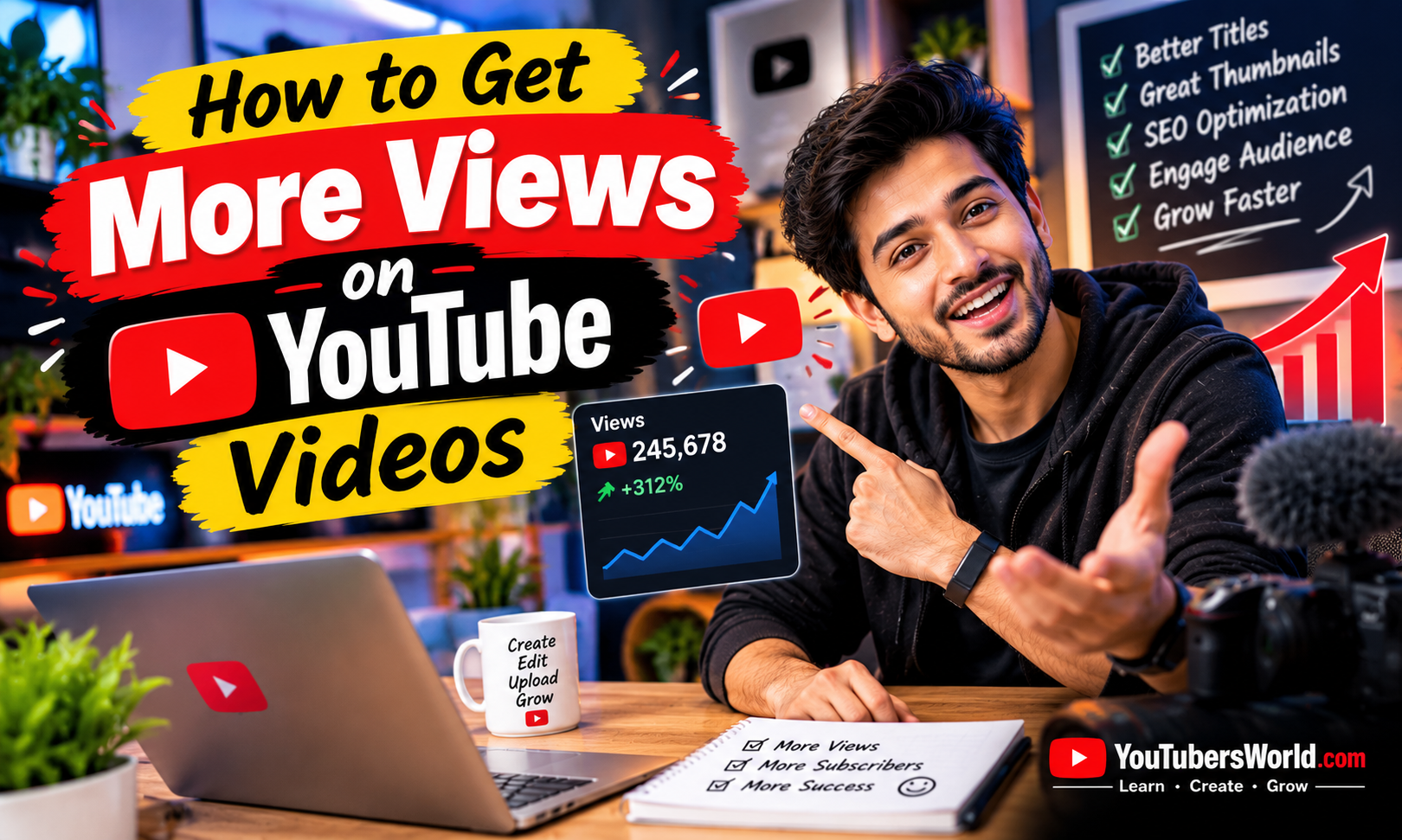
Getting views on YouTube can be challenging, especially when you are just starting your channel. You may spend hours recording and editing a video, publish it with high expectations, and then discover that only a few people have watched it.
If this sounds familiar, you are not alone. Many creators need time to understand their audience, improve their videos, and discover what makes people click and continue watching.
The good news is that you can take practical steps to improve your videos’ chances of reaching more viewers. You do not need expensive equipment, thousands of subscribers, or a secret algorithm trick. You need useful content, an appealing presentation, and a willingness to learn from your results.
In this guide, you will learn how to get more views on YouTube videos through better topic selection, titles, thumbnails, YouTube SEO, audience retention, and content planning.
Understand What Helps YouTube Videos Get Views
Before trying different growth strategies, understand that YouTube does not distribute every video to the same audience. Its search and recommendation systems consider viewer interests, video performance, and other factors to help people discover content they are likely to enjoy.
Three important areas deserve your attention.
Appeal: Does your video topic, title, and thumbnail give the right viewer a reason to click?
Engagement: After clicking, do viewers continue watching or leave quickly?
Viewer satisfaction: Does your video deliver what people expected and provide a worthwhile experience?
For example, a video might have an attractive thumbnail but receive poor audience retention because its introduction is too long or the content does not match the title.
A successful strategy addresses the entire viewing experience rather than focusing only on getting clicks.
Choose Video Topics People Want to Watch
One of the most effective ways to improve your chances of getting views is to choose topics that matter to your target audience.
Even excellent editing cannot guarantee views if very few people are interested in the subject or if the video offers nothing distinctive compared with competing content.
Research What Your Audience Wants
Start by identifying the questions, problems, and interests of your intended viewers.
You can find ideas by:
- Reviewing questions in the comments of relevant YouTube videos.
- Checking YouTube search suggestions.
- Exploring relevant discussions and online communities.
- Using YouTube Studio’s research tools when available.
- Reviewing which topics have performed well on your own channel.
For example, if your channel covers smartphones, a specific tutorial such as “How to Free Up Storage on Android” may address a clear problem more directly than a broad video titled “Everything About Smartphones.”
Specific topics can help new viewers understand exactly what they will gain from watching.
Study Other Videos in Your Niche
Look at videos covering the subject you want to publish.
Notice how creators explain the topic, structure their videos, present their thumbnails, and respond to common viewer questions.
Do not copy their scripts, footage, or presentation. Instead, identify opportunities to provide a clearer explanation, a more useful demonstration, updated information, or a different perspective.
Your goal is to create a video that deserves attention because it offers genuine value.
Create Titles That Encourage People to Click
Your video title is one of the first things potential viewers see. It should clearly communicate the topic and give people a compelling reason to watch.
A good title is specific, easy to understand, and accurate.
For example:
- General: Smartphone Tips
- More specific: 7 Android Settings That Can Make Your Phone Easier to Use
The second title gives viewers a clearer idea of what they will discover.
Put the Important Words Near the Beginning
Viewers may see only part of your title, particularly on smaller screens. Place the most important information near the beginning when possible.
If your video explains how to improve YouTube thumbnails, a suitable title could be “How to Make Better YouTube Thumbnails.”
Avoid unnecessary words that delay the main point.
Use Curiosity Without Misleading Viewers
A title can create curiosity, but it must represent the actual video.
Avoid exaggerated promises such as “Get One Million Views Overnight” unless the content can genuinely substantiate the claim. Misleading titles may attract clicks initially but disappoint viewers and damage their trust.
Try to make your title interesting because of the value of the content, not because it promises unrealistic results.
Design Attractive YouTube Thumbnails
Your thumbnail and title work together to help viewers decide whether to watch your video.
A clear thumbnail can communicate the subject quickly, especially when someone is browsing a busy YouTube feed.
Keep Your Thumbnail Simple
Use a clear focal point, readable text where necessary, and a composition that works on mobile screens.
Depending on your video, you might use a relevant photograph, a product image, a before-and-after comparison, or a visual demonstration.
Avoid overcrowding the design with too many words, small images, or distracting elements.
Make the Thumbnail Match the Video
Your thumbnail should represent what viewers will actually see.
For example, if you are publishing a smartphone camera comparison, show the relevant phones or a meaningful comparison rather than an unrelated image.
Use visual contrast and consistent branding when they improve clarity, but do not make every thumbnail identical. Each one should communicate the subject of its specific video.
Improve Older Thumbnails When Necessary
Some older videos may still offer useful information but have unclear thumbnails or titles.
Review their performance in YouTube Studio. If a video has received impressions but attracts relatively few clicks, consider whether its title and thumbnail communicate the value clearly.
Make changes thoughtfully and give the video time to gather more data. A thumbnail change does not guarantee additional views.
Use YouTube SEO to Help People Find Your Videos
YouTube SEO helps make your content relevant to the searches viewers perform. It begins with understanding what someone wants to find and then creating a video that answers that need.
Keywords can help communicate your topic, but simply repeating them will not guarantee higher rankings.
Find a Relevant Focus Keyword
Before creating a video, choose the main question or subject it will address.
For example, if your video teaches viewers to create thumbnails, possible search phrases might include:
- How to make YouTube thumbnails
- YouTube thumbnail design
- Best thumbnail tips for beginners
Choose a phrase that accurately reflects the video’s main purpose. Use related terms naturally when they help explain the subject.
Optimize Your Video Title and Description
Include the main topic naturally in your title. Then write a description that explains what the viewer will learn or see.
For example, a video about creating thumbnails could explain the design process, the tools used, and the techniques demonstrated.
You can include useful links, relevant chapters, and additional resources when appropriate.
Avoid copying the same description across every upload or filling it with repeated keywords.
Add Accurate Captions and Relevant Details
Captions can make videos more accessible and help viewers follow your explanations. Review automatic captions when possible because names, technical terms, and unfamiliar words may be transcribed incorrectly.
You should also complete relevant video settings, including language and audience information.
YouTube tags can help with common spelling variations, but they are not a substitute for a useful video, an accurate title, or a compelling thumbnail.
Hook Viewers in the First Few Seconds
Once someone clicks your video, the opening needs to confirm that they made the right choice.
A long introduction, repeated greetings, or an extended explanation of your channel may cause viewers to leave before reaching the main content.
Start With the Main Benefit
Tell viewers what they will learn, show the result they can expect, or begin demonstrating the solution.
For example, a tutorial about improving smartphone battery life could begin by showing the settings viewers will change and then explain each one.
You do not need to reveal every detail immediately. You simply need to establish why the video is worth watching.
Deliver What Your Title Promises
If your title promises five useful tips, make sure those tips appear in the video and are explained clearly.
Avoid adding unnecessary sections just to make the video longer. Every part should contribute to the viewer’s understanding or enjoyment.
A clear opening and a focused structure help build trust and give viewers a reason to continue.
Improve Audience Retention
Audience retention shows how well your video holds viewers’ attention over time.
If viewers consistently leave during a particular section, it may indicate that the explanation is confusing, the pacing is slow, or the content no longer matches their expectations.
Remove Unnecessary Pauses and Repetition
During editing, remove repeated explanations, long pauses, and sections that do not add value.
Use examples, demonstrations, screenshots, or visual changes when they help explain the subject.
You do not need constant effects or rapid cuts. The editing style should suit the topic and make the information easier to follow.
Use YouTube Analytics to Find Drop-Off Points
In YouTube Studio, open the video’s Analytics and review the audience retention report when available.
Look for sections where viewers leave, skip ahead, or rewatch particular moments.
A sharp drop near the beginning may suggest that the introduction needs improvement. A section with repeated views may contain information viewers find particularly useful or difficult to understand.
Use these observations to improve future videos rather than assuming every drop has the same cause.
Make YouTube Shorts That Attract the Right Viewers
YouTube Shorts can help introduce your content to people who have not discovered your channel.
Short-form videos can work well for quick tips, demonstrations, brief explanations, and entertaining moments.
For example, a technology creator could publish a Short showing one useful smartphone feature and create a longer tutorial explaining the feature in detail.
Focus on One Clear Idea
A Short usually works best when viewers can quickly understand what it offers.
Begin with the main point, demonstrate the idea clearly, and remove unnecessary material.
Avoid adding an unrelated introduction simply to promote your channel.
Connect Shorts With Relevant Content
If you have a related longer video, use YouTube’s available linking features where appropriate to help interested viewers discover it.
However, do not assume every Shorts viewer will become a regular viewer of your longer videos. Some people prefer short-form content, while others want detailed explanations.
Use both formats when they support your audience and your content strategy.
Publish Consistently Without Sacrificing Quality
Consistency can help viewers understand what to expect from your channel, but uploading every day is not a universal requirement for getting more views.
Choose a publishing schedule you can maintain while producing useful videos.
For example, publishing one carefully prepared video each week may be more suitable than uploading daily videos that feel rushed.
Plan topics in advance, prepare scripts or outlines, and record multiple videos in one session if that suits your workflow.
Focus on creating videos your audience wants to watch rather than publishing simply to meet an arbitrary target.
Help Viewers Discover More of Your Videos
A viewer who enjoys one video may also be interested in another video on the same subject.
Make it easy for them to continue exploring your channel.
Organize Videos Into Playlists
Group related videos into useful playlists.
For example, a channel about YouTube creation might have separate playlists for video editing, thumbnail design, channel growth, and monetization.
Use descriptive playlist names so viewers understand what each collection contains.
Use End Screens and Cards
Where available and appropriate, use end screens to recommend a relevant next video or playlist.
Cards can also direct viewers to related content when they add value to the current video.
Recommendations should be connected to what the viewer is watching. Sending someone from a smartphone tutorial to an unrelated topic may not help them.
Link Related Videos in Your Descriptions
If a video naturally connects to another guide, include a useful link in the description.
For example, a tutorial about YouTube thumbnails could link to a related guide on improving video titles.
The purpose is to help interested viewers find more information, not to fill descriptions with unrelated links.
Share Your Videos With the Right Audience
Publishing a video is only one part of reaching viewers. Sharing it in relevant places can help people discover it, especially when your channel is new.
Consider sharing your video through:
- Relevant social media accounts.
- Your website or blog.
- Online communities where sharing is permitted.
- Newsletters or email lists you have built legitimately.
- Conversations where your video genuinely answers someone’s question.
For example, if you publish a detailed tutorial that solves a specific problem, sharing it in a relevant discussion may help people who need that solution.
Avoid posting the same link repeatedly in unrelated groups or sending unsolicited messages to strangers. Promotion should be useful to the audience receiving it.
Collaborate With Other Creators
Working with another creator can introduce your content to people who may not have discovered your channel otherwise.
Look for creators who cover related subjects and share a compatible audience.
For example, a video editing channel might collaborate with a creator who teaches camera techniques. Each creator can contribute a useful perspective to the same project.
A good collaboration should benefit both audiences rather than exist solely to exchange subscribers.
You do not need to work with the largest creator in your niche. A smaller creator with a relevant and engaged audience may be a more suitable partner.
Understand Which Metrics Matter
YouTube Studio provides information that can help you understand how viewers discover and respond to your videos.
Instead of focusing only on the total view count, examine a few useful metrics.
Impressions: How often eligible thumbnails were shown on YouTube surfaces that count as impressions.
Impressions click-through rate (CTR): How often viewers watched after seeing a registered thumbnail impression.
Average view duration: The average amount of time viewers spent watching a video.
Audience retention: How well a video held viewers’ attention at different moments.
Traffic sources: Where viewers discovered your content, such as YouTube Search, Suggested Videos, Browse features, or external websites.
Use the Numbers to Make Better Decisions
If a video receives impressions but has a lower CTR than your other comparable videos, review whether the title and thumbnail communicate its value clearly.
If viewers click but leave early, examine the introduction and whether the video delivers what the title promises.
If a video receives search traffic, look at the questions it answers and consider creating related content that serves the same audience.
Do not judge a video’s performance using one metric in isolation. CTR and retention can vary according to the topic, audience, traffic source, and how widely YouTube is showing the video.
Avoid Shortcuts That Can Harm Your Channel
Some tactics promise fast views but can damage your channel or mislead your audience.
Avoid these practices:
Buying views or subscribers: Artificial engagement does not build a genuine audience and may violate YouTube’s policies.
Using misleading thumbnails: A thumbnail that promises something the video does not deliver can undermine viewer trust.
Copying other creators’ content: Develop original scripts, explanations, demonstrations, and creative ideas instead of simply reproducing someone else’s work.
Overusing unrelated trends: A popular trend may attract attention, but it may not appeal to the audience your channel is trying to reach.
Repeating keywords excessively: Keyword stuffing makes titles and descriptions less natural and does not guarantee better rankings.
Publishing rushed videos just to upload more often: More uploads do not automatically mean more views. Focus on the value each video provides.
A Practical Plan to Get More YouTube Views
You do not need to change everything about your channel at once. Start with a manageable improvement plan.
First, research your next topic. Identify a real question your audience wants answered and decide what useful information your video will provide.
Next, improve your presentation. Create an accurate title and a clear thumbnail that communicate the video’s main benefit.
Then, strengthen the opening. Start with the main point and remove unnecessary introductions.
After publishing, review your analytics. Examine traffic sources, impressions, CTR, and audience retention when sufficient data is available.
Finally, apply what you learn. Keep what works, improve weak sections, and use audience questions to develop future topics.
Repeat this process with each new video. Over time, you can build a better understanding of what your viewers value and how to reach more of them.
Frequently Asked Questions
How Can I Get More Views on YouTube Quickly?
Start by publishing a video that addresses a clear audience need. Use an accurate, compelling title, a relevant thumbnail, and a focused introduction.
Share the video with people who are genuinely interested in the subject. There is no guaranteed method for getting views quickly, and results vary by topic and audience.
Why Are My YouTube Videos Not Getting Views?
Possible reasons include limited audience demand, strong competition, unclear titles or thumbnails, or content that does not hold viewers’ attention.
Check YouTube Studio to understand where your video is receiving impressions and views. Use the available data to identify what needs improvement rather than assuming there is one universal cause.
Do YouTube Tags Help Get More Views?
Tags can help YouTube understand certain details, including common spelling variations, but they are not a major discovery tool for most videos.
Focus first on selecting a relevant topic, writing an accurate title, creating a clear thumbnail, and delivering a useful viewing experience.
Does Uploading Every Day Increase Views?
No. Daily uploads do not guarantee more views.
Choose a publishing schedule that allows you to create videos your audience wants to watch. A sustainable schedule is more useful than publishing frequently at the expense of quality.
Do YouTube Shorts Help Grow a Channel?
Shorts can introduce your content to new viewers and help you experiment with ideas. Their effectiveness depends on the subject, audience, and execution.
Use Shorts when the format suits your content, and connect them to relevant videos where appropriate.
Should I Change the Title or Thumbnail of an Old Video?
It may be worth testing a clearer title or thumbnail if the existing presentation does not communicate the video’s value effectively.
Before making changes, review the video’s impressions, CTR, traffic sources, and audience response. Make thoughtful adjustments rather than changing several elements repeatedly without enough data.
Final Thoughts
Getting more views on YouTube is not about discovering one secret trick. It is about understanding your audience, choosing relevant topics, presenting your videos clearly, and delivering the experience viewers expect.
Start with better titles and thumbnails, make the opening useful, improve audience retention, and study your analytics to understand what works.
Some videos will perform better than others, and growth may take time. Treat each upload as an opportunity to learn something about your audience and improve your next video.
Focus on making videos people genuinely want to watch, and use real performance data to guide your next steps.